
Build production-grade workflows
For engineering teams who need to build workflows with production-grade observability, scalability and security.
Trusted by 4,000+ organizations, including 300+ EE customers at scale:













What is a workflow on Windmill?
A workflow is a multi-step process that chains scripts together to automate a task end to end. Each step runs in its own isolated environment, with typed inputs and outputs passed between steps automatically.
Windmill supports two approaches: low-code flows where you compose steps visually as a DAG, and workflows as code where you orchestrate steps programmatically. Both get retries, error handling and full observability out of the box.
Two types of workflows
Pick the approach that fits your use case. Use low-code flows for visual composition, or workflows as code for full programmatic control. Both run on the same engine with the same guarantees.
Low-code flows
Compose steps visually as a DAG in the flow editor. Drag and drop branches, loops, approval steps and error handlers. Each step can be written in a different language. Inspect inputs and outputs at every node and restart from any step.
Learn more about the flow editorWorkflows as code
Define your entire workflow programmatically in TypeScript or Python. Call other scripts as steps, handle errors with native try/catch, run branches in parallel and use all the control flow your language provides. Each step still runs in isolation with full observability.
Learn more about workflows as codeTwo ways to write workflows
Write workflows directly in the Windmill UI or develop locally with your own editor. Both paths deploy to the same platform.
In the Windmill UI
The flow editor lets you build and test workflows visually. Each step has its own code editor with autocomplete and LSP support, a live preview of inputs and outputs, one-click deploy and AI assistance (BYOK).
Learn more about the flow editorIn your local editor
Use the CLI, the VS Code extension or AI coding tools like Claude Code. Flows are YAML files and workflow-as-code scripts are standard code files, ready for any editor or AI agent.
Learn more about local developmentBuilt-in triggers
Every workflow gets an auto-generated UI so anyone on your team can run it. It also gets sync and async API endpoints out of the box. On top of that, Windmill provides a full set of built-in triggers: schedules, Kafka, Postgres CDC, SQS, MQTT, emails, WebSockets and more.
Learn more about available triggers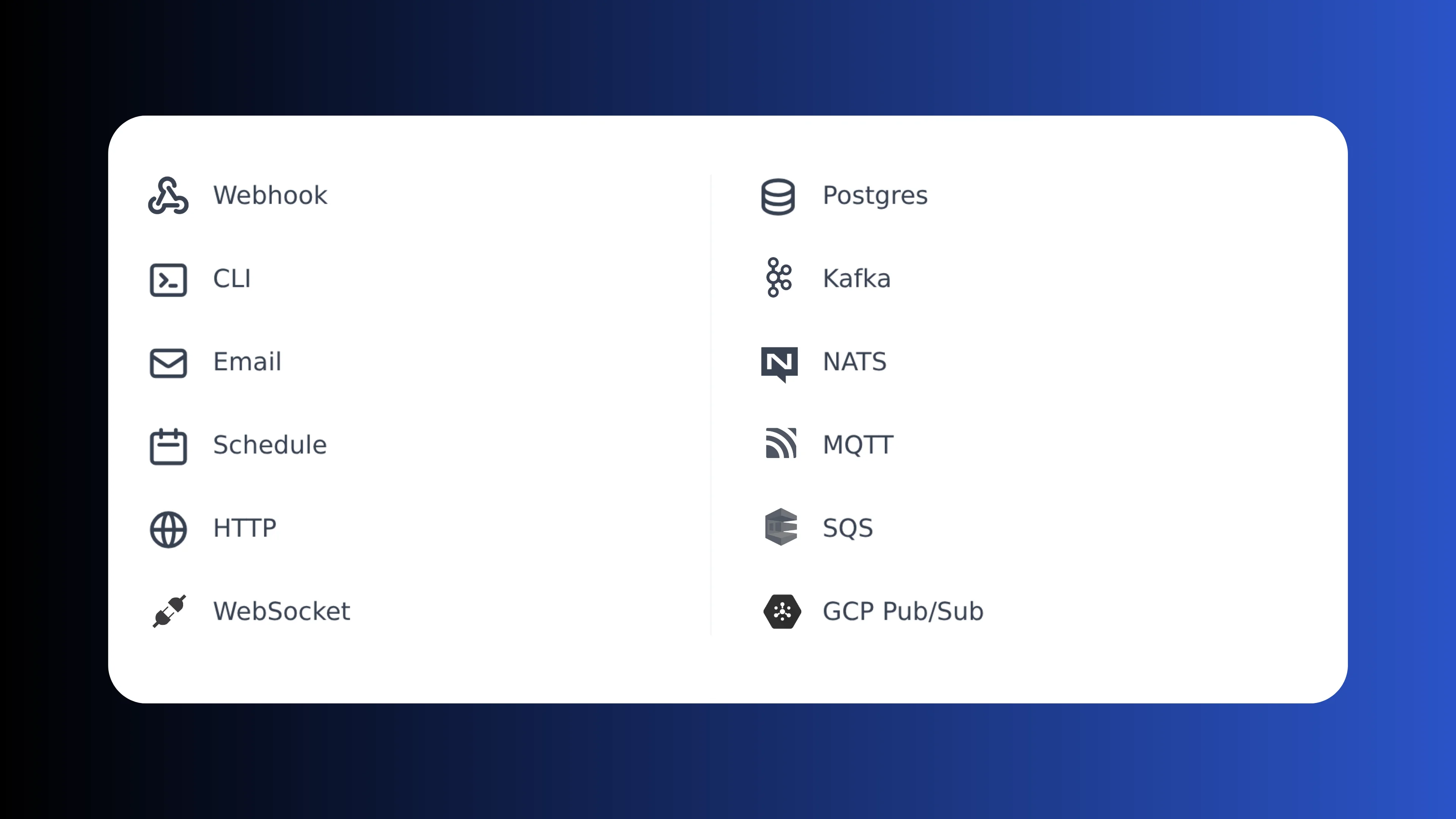
Built for production
Every workflow runs within a platform built for enterprise requirements: immutable versioning, role-based access control, full audit trails, SSO and self-hosting. No extra setup needed.
Versioning and deploy
Every workflow version is immutable and addressable by hash. Deploy from the UI, the CLI or Git sync. Roll back to any previous version instantly. Sync your workspace with GitHub or GitLab and use your existing code review workflows.
Learn more about deployment and versioningFull observability
Every run is logged with inputs, outputs, duration and status. Real-time execution logs stream as your workflow runs. Set up error handlers to send alerts on failure. Audit trails track who ran what and when.
Learn more about observabilityRBAC and permissions
Control who can view, edit and run each workflow with role-based access control. Organize workflows into folders with group-level permissions. Authenticate users with SSO. Every action is recorded in the audit log.
Learn more about RBACRun at any scale with best performance
Engineered to be the fastest workflow engine in the industry. From a single-node VPS to 1,000-node Kubernetes clusters, auto-scale on demand or isolate critical tasks with dedicated worker groups.
More you can build on Windmill
Workflows are just one use case. The same platform powers internal tools, data pipelines, AI agents and triggers.
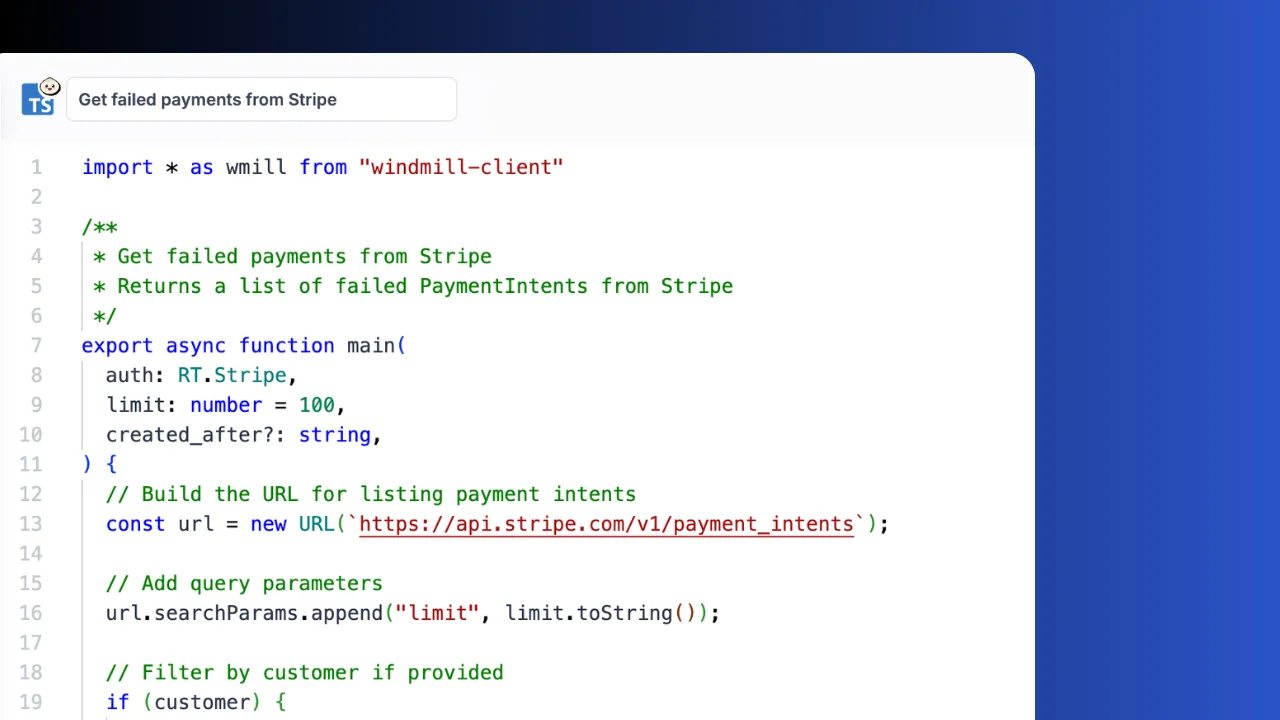
Write scripts in TypeScript, Python, Go, Bash, SQL and trigger them from webhooks, schedules, queues or the auto-generated UI.
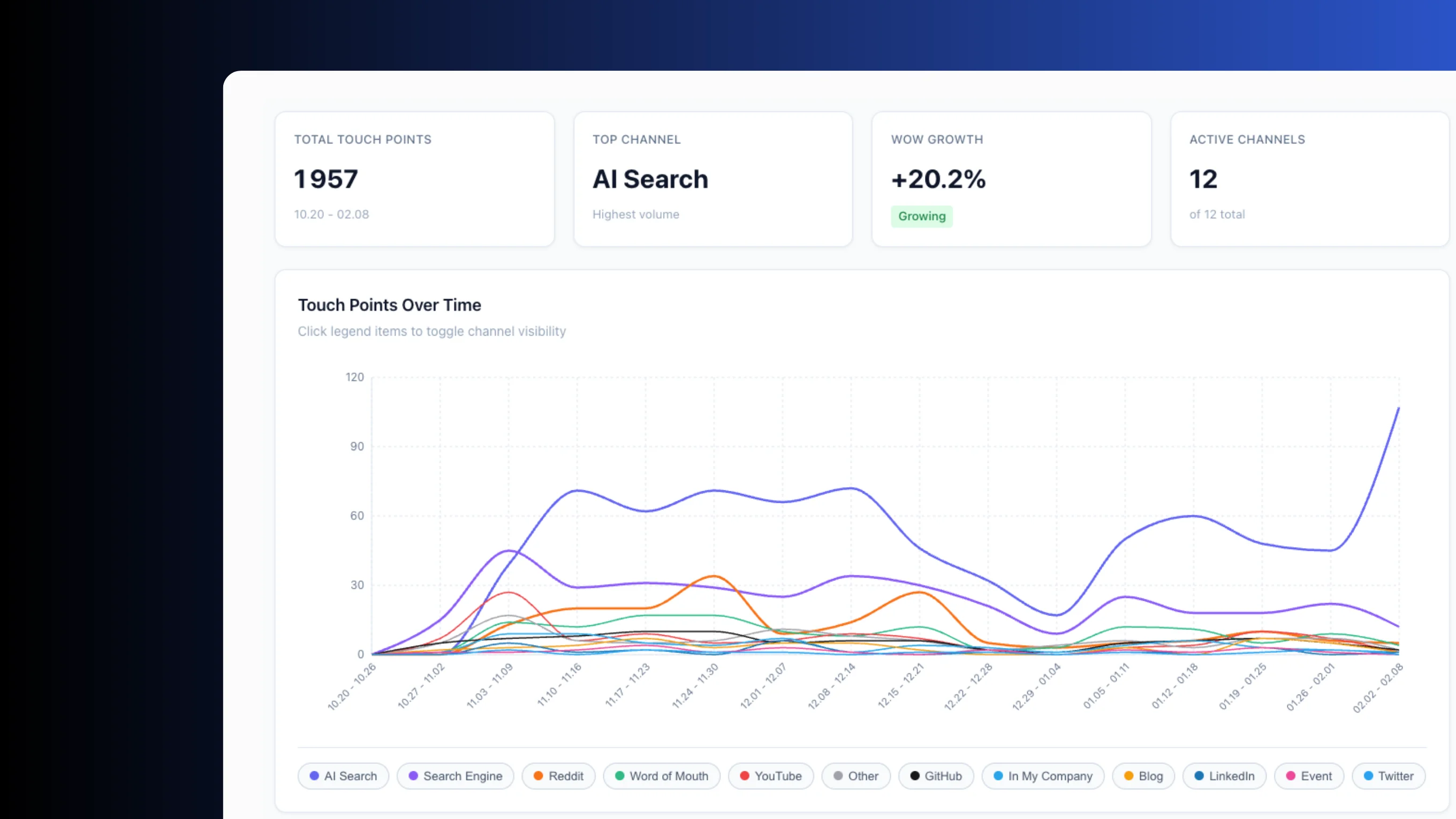
Build production-grade internal apps with backend scripts, data tables and React, Vue or Svelte frontends.
Orchestrate ETL jobs with parallel branches, DuckDB queries and connections to any database or S3 bucket.
Build AI agents with tool-calling, DAG orchestration, sandboxes and direct access to your scripts and resources.
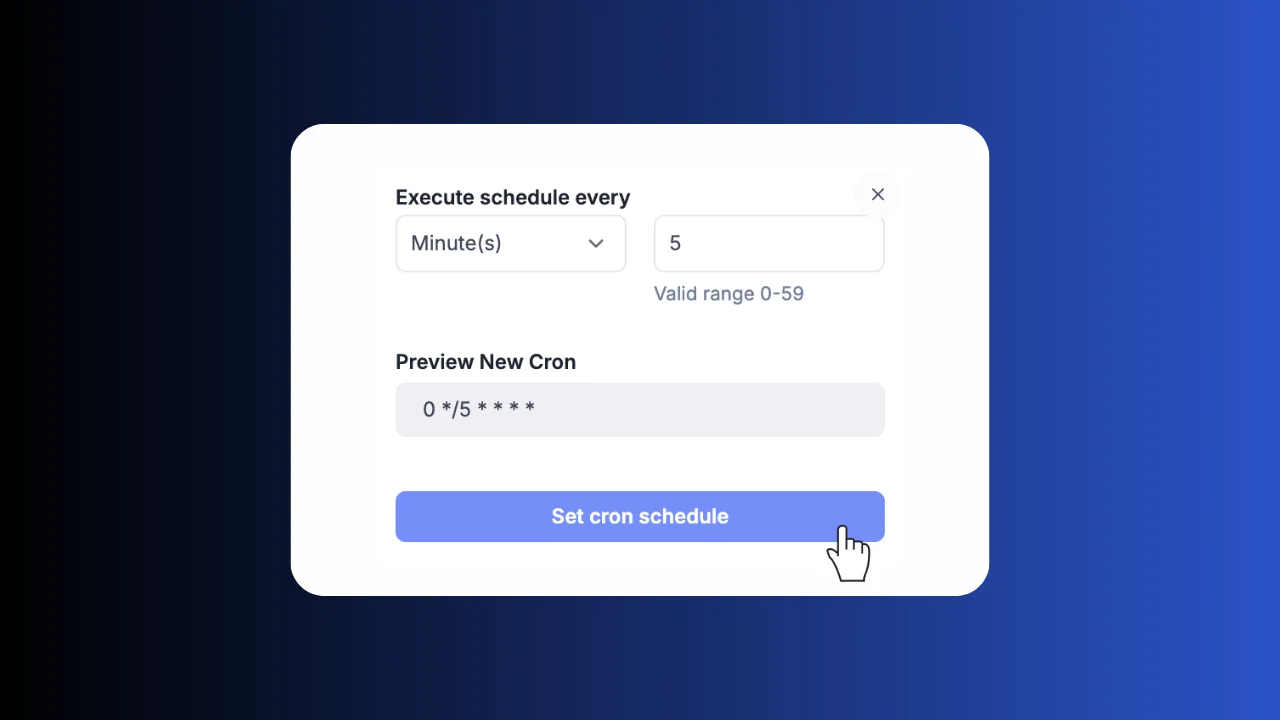
Run cron jobs with a visual builder, execution history, error handlers, recovery handlers and alerting.
Frequently asked questions
Build your internal platform on Windmill
Scripts, flows, apps, and infrastructure in one place.